This Tech Tinkerer Managed to Power On a PC Using the Audio Jack
Discover how one innovator repurposed the audio jack of a computer to serve as a power button, showcasing a unique DIY tech project.
The power button on most PCs typically serves a straightforward purpose: connecting two contacts to start your machine. However, have you ever thought about using something unconventional for this task?
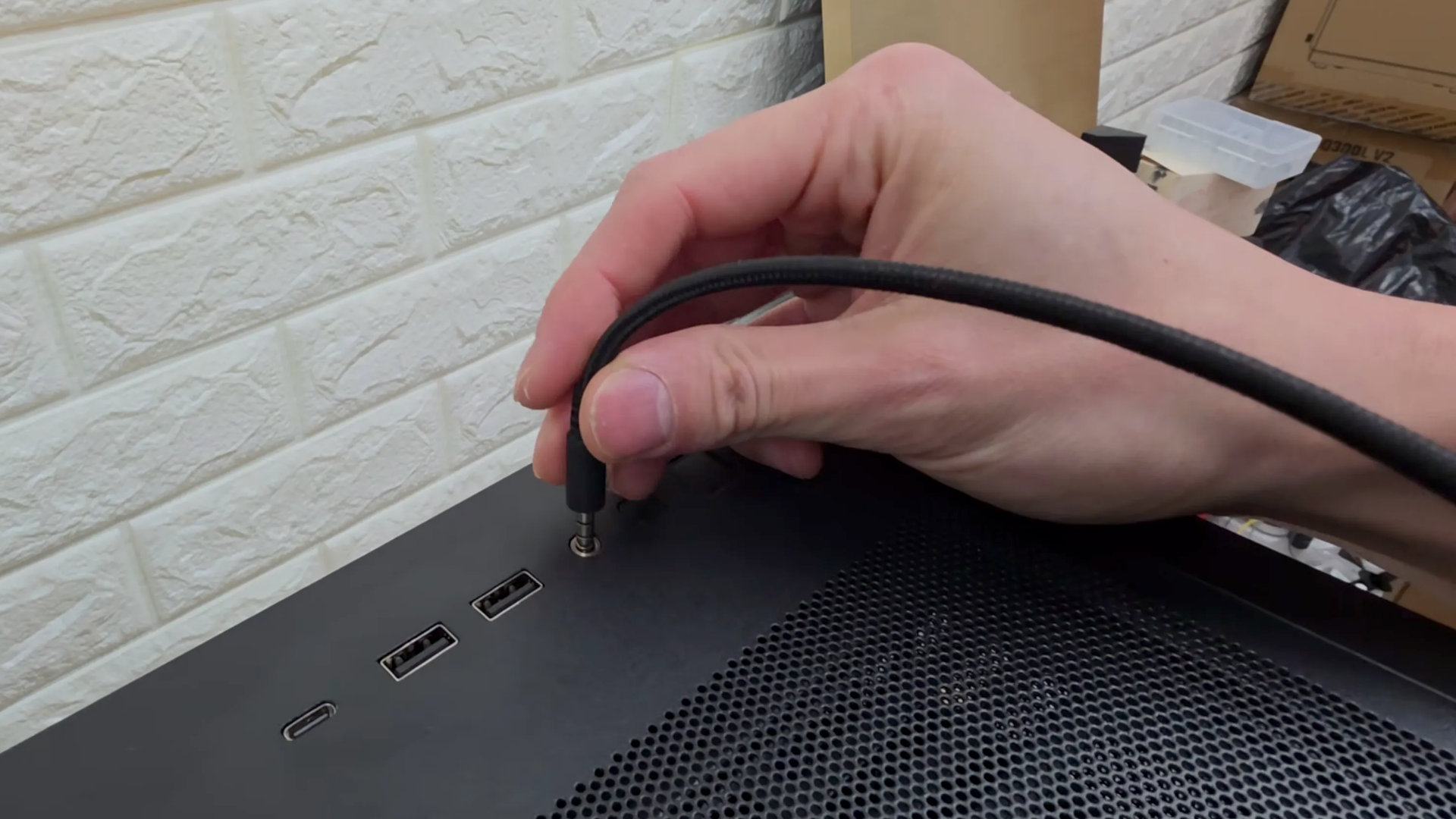
In an innovative project, tech enthusiast Adam Lee, known as mryeester on YouTube, has managed to boot up his PC using its audio jack.
The power button is generally just a metal piece that creates a low-voltage circuit, allowing the motherboard to signal the power supply to turn everything on.
Using a TRS/TRRS audio connector, Adam connected the necessary wires to the motherboard’s header, successfully powering up the computer in seconds.
However, there’s a catch: if the audio jack remains in the socket, it simulates the action of holding the power button down, causing the computer to shut down. This happens because the power button only makes a momentary connection. During his video demonstration, Adam does not address whether the audio jack retains its regular functionality after this modification.
To mitigate this, a potential solution could be implementing a timing circuit to disconnect after a short duration, though this raises the question of how to turn off the PC without software assistance. Perhaps utilizing a separate, discreet power switch could be a creative workaround.
While this demonstration is fascinating, it also underscores the importance of a reliable, tactile button for daily use. As Adam notes, there’s something special about pressing a well-designed button that enhances the boot-up experience, whether it’s for work or gaming.